Invite New Users to AIO
Introduction
In AIO, you can invite new users by generating and sharing an invite link. This guide will show you how to create the link and add users to your Tenant.
How to Invite New Users
To invite new users to AIO, please follow these steps:
1. Go to Setings→ Users. Click the green +User button to create a new invitation.

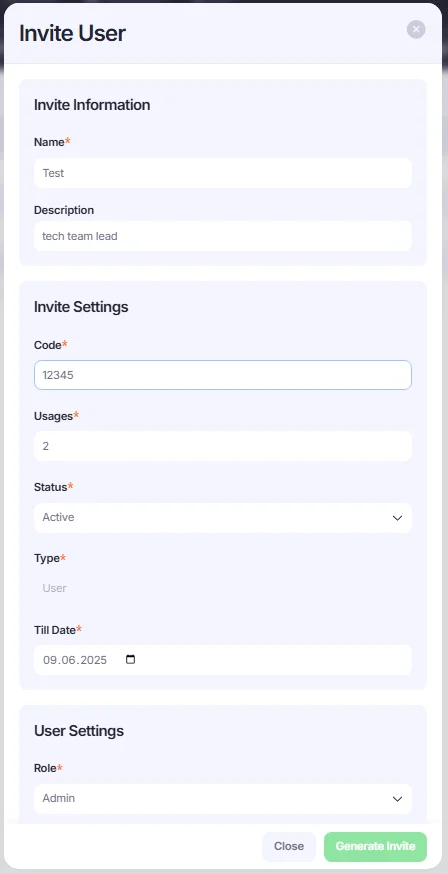
- Fill in the invite details and user settings:
- Name: Enter the name.
- Code: Set a custom or random code (you’ll share this with the user).
- Usages: Define how many times the code can be used (e.g., set to 1 for one-time use).
- Status: select Active.
- Type: User.
- Till Date: Set the expiration date for the invite code.
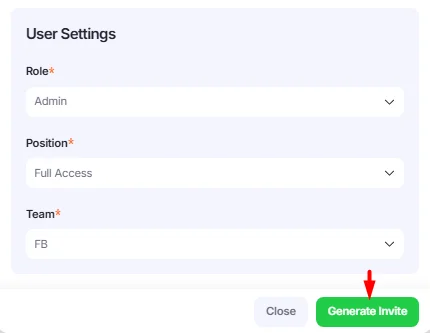
- Role: Choose the role for the user.
- Position: Set the user's position.
- Team: Choose the team the user will be assigned to.
3. Once all required fields are filled in, click the Generate Invite button
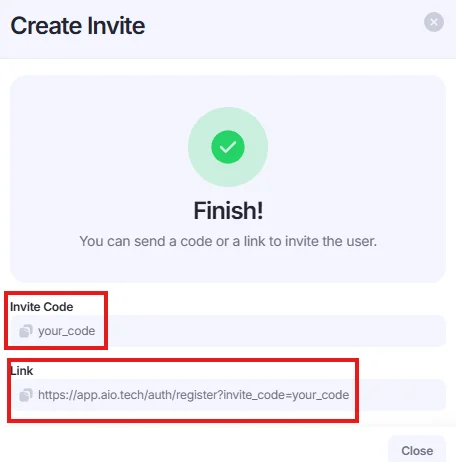
4. You’ll see an invite code and a registration link. Copy the link and share it with the intended user.
How to Register Using the Invite Link
Users can register in AIO by following the invite link and entering the required details. Here's how the process works:
- Open the invite link.
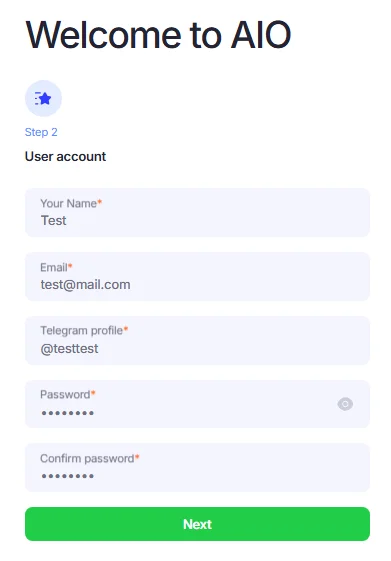
- Enter the personal details, such as Name, Email, Telegram profile, and Password.
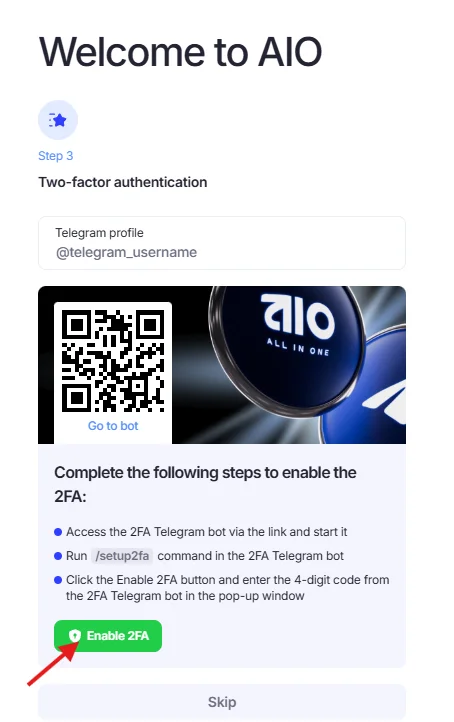
- Enable two-factor authentication (2FA) now or skip it to set it up later.
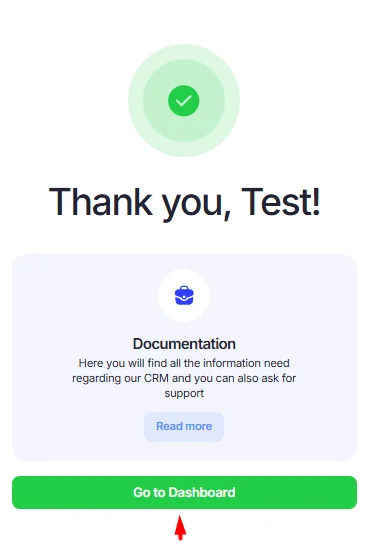
- Click Go to Dashboard to enter AIO.