Build Reports
Introduction
A Roll-Up Report aggregates data from multiple analytics properties, allowing you to view the combined performance in a single report. This guide will walk you through building Roll-Up reports in AIO.
How to Build Roll-Up Reports
- Go to the Reports tab.
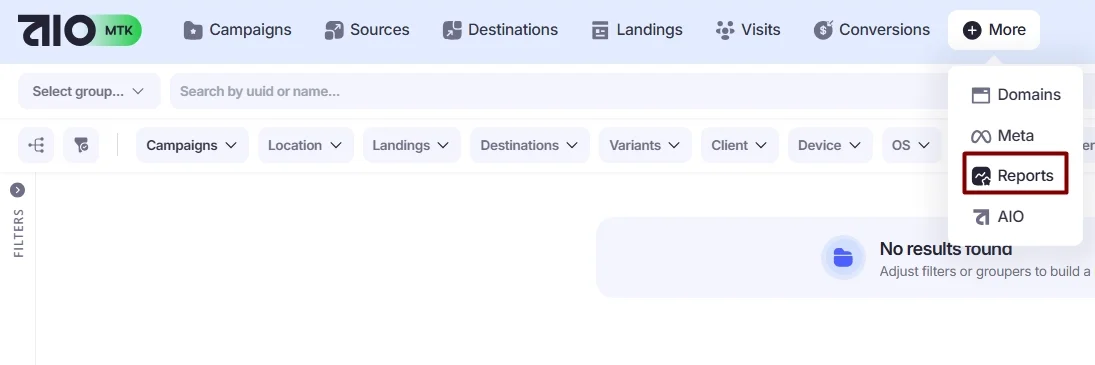
- Select the Groupers you want to use for building the Roll-Up Report. You can do this by choosing a Grouper from the Select Group... menu at the top and adding as many groupers as you want via the + icon.

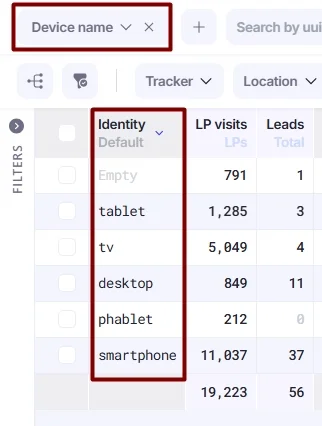
- You will see the Roll-Up Report displaying detailed statistics based on the selected Groupers. In this example, the metrics are broken down by each Device Type, such as smartphone, tablet, desktop, and others.
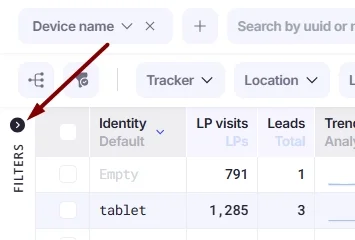
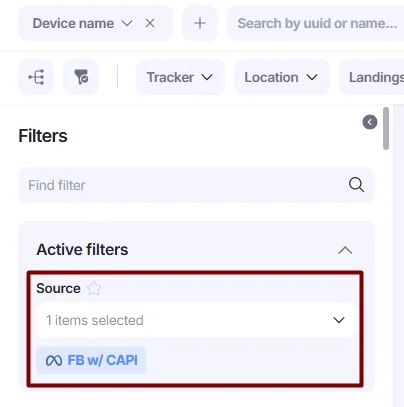
You can apply filters on the left to display data only for specific values, such as Campaigns, Destinations, Sources, and more. Click the Filters icon to expand the filters panel.
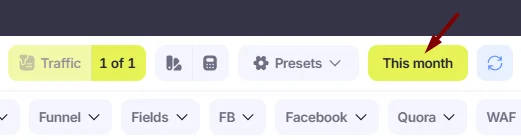
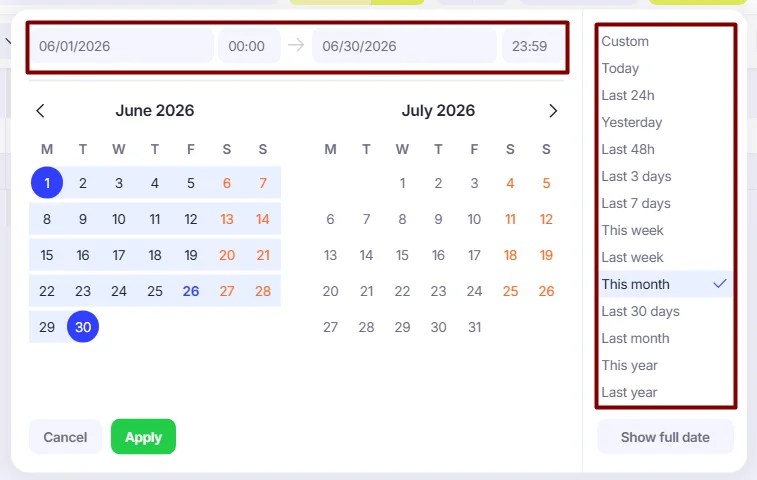
- Configure the date and time range on the right side of the Roll-Up Report page.
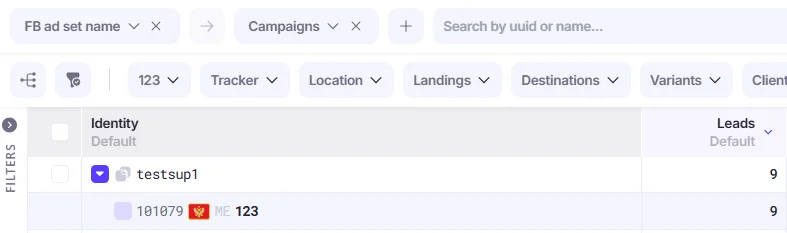
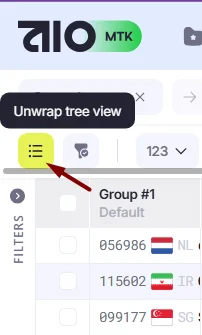
Alternatively, you can change the group display style using the unwrap Tree View icon. It will display groups as Group#1/Group#2, etc., instead of a hierarchical tree.
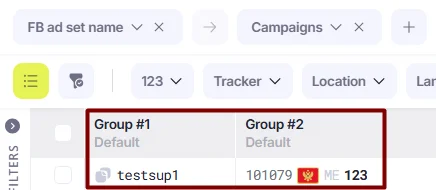
Roll Up Report Use Cases
Here are some common use cases for Roll Up Reports in AIO.
1. Analyze how the buyer performs on each Destination.
➡️Select the following Groupers: Destination → Campaign Owner or Destination → Launcher, depending on your strategy.
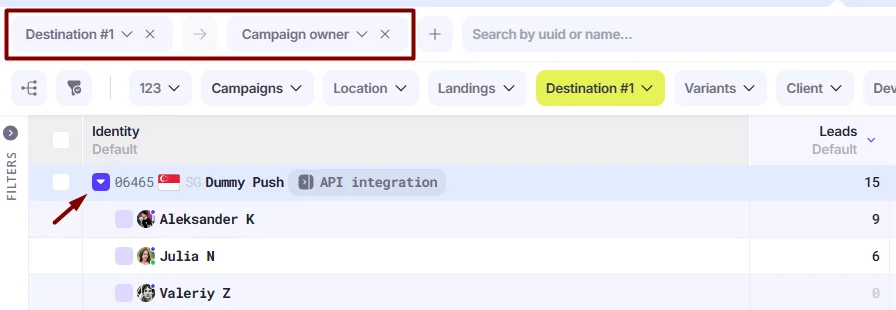
- Campaign Owner shows the user who owns the campaign.
- Launcher refers to the user who generated the campaign link.
If your buyers are the actual owners of their campaigns, choose Campaign Owner.
If campaigns are managed by a team lead and buyers only generate links, choose Launcher.
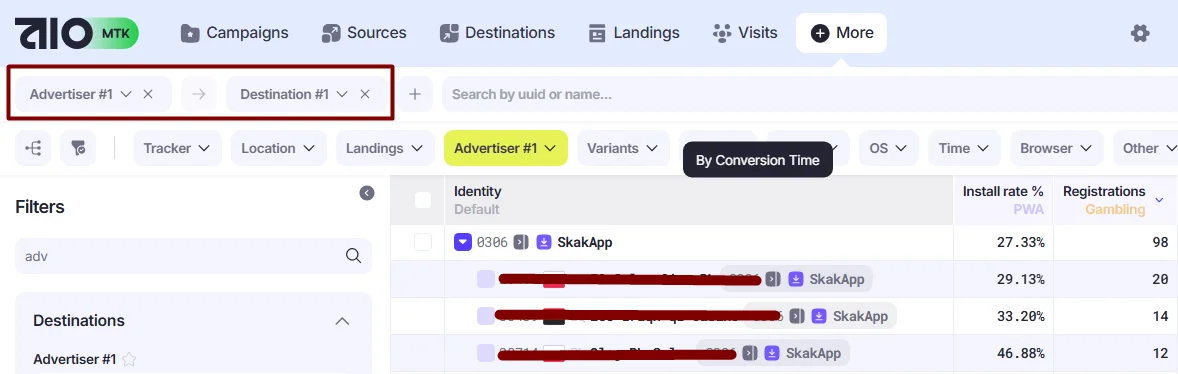
- Analyze which Destination converts better within one Advertiser.
➡️Select the following Groupers: Advertiser→ Destination.
- Analyze traffic by any Facebook fields.
➡️Select the desired grouper from the available FB fields, or search for it using the search bar.
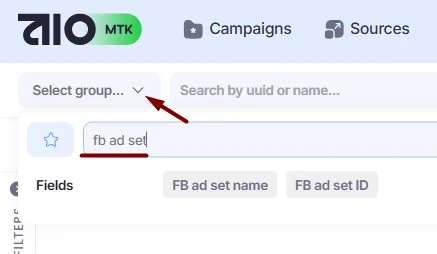
Add another level of grouping to narrow down the results if needed (e.g., Campaigns).